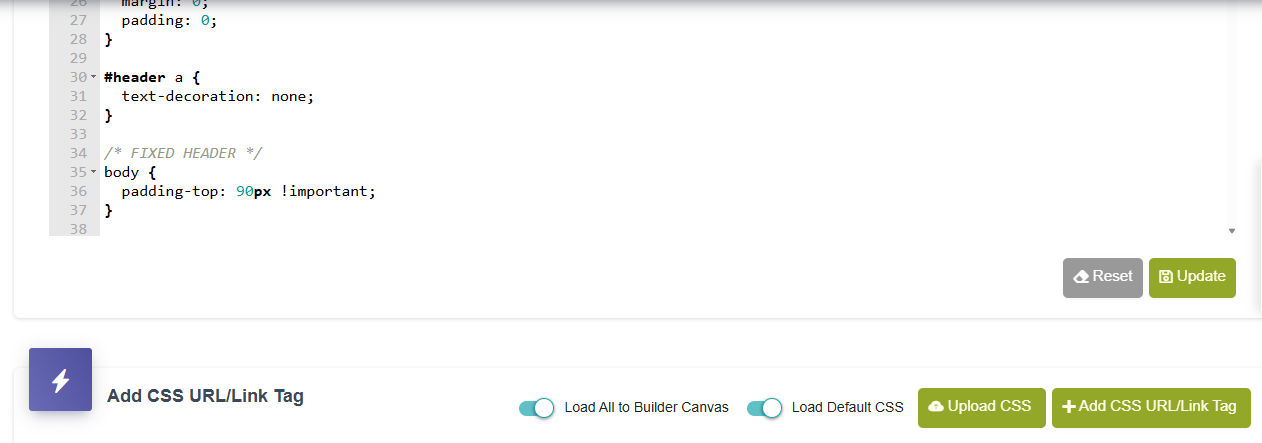
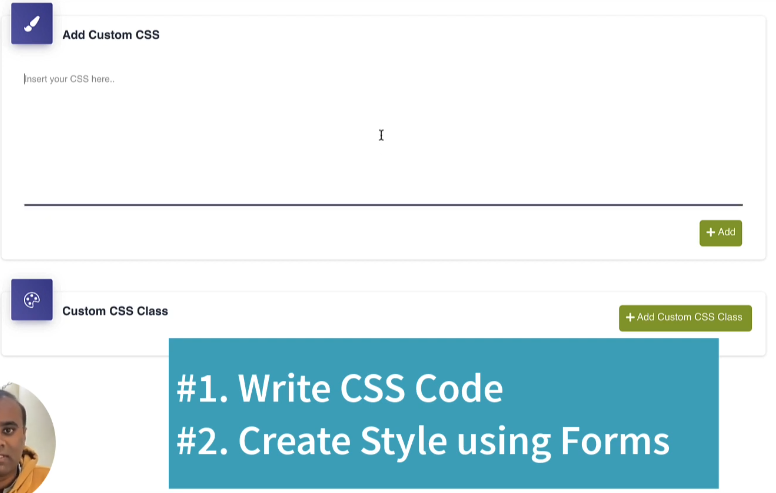
Greetings @vishsahu I am trying to add custom CSS to the global settings and all I am seeing is this…
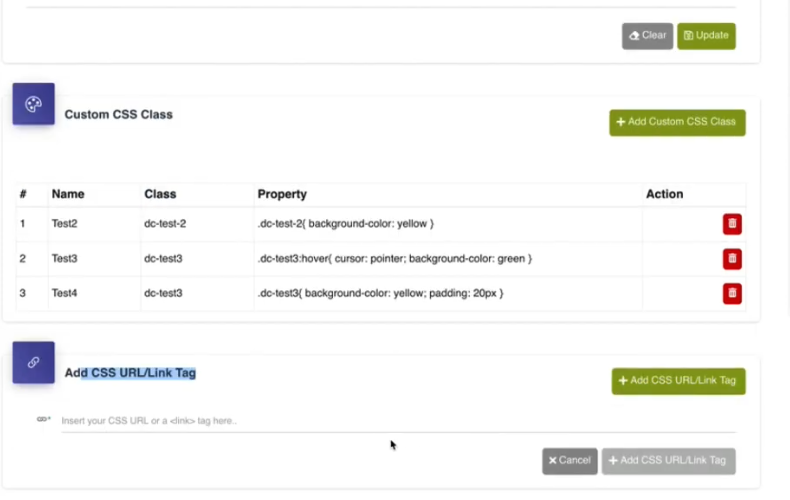
Which is different from that shown in the tutorial videos
Now my question is… If I want to add a global reusable Custom CSS class and I also want to define my global colours that I am using repeatedly. How do I do it.
Thanks
Hi @WillieMak,
We have the section to add custom CSS in the Custom Style/CSS place. Only the UI is updated somewhat but the flow is same.
Thanks.
Greetings @vishsahu
Thanks for your response. Sorry for bothering you once again. I am not understanding your response. Are you referring to the part where one can type or paste their custom css targeting certain elements or are you referring to a functionality where one can set their global custom css to be able to them access and use it in the builder under the classes panel. See screenshot below.
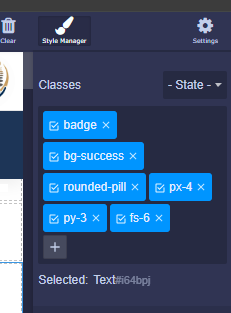
How can I achieve this. I dont see how I can do it on the new UI.
Thanks
@WillieMak,
I am talking about the place where you can write/paste the custom CSS
Thanks.
Ok. thanks @vishsahu I was talking about this part in this video https://www.youtube.com/watch?v=Q2cVYGENVjk from from about 05:05mins. I want to be able to do that and I cant find the functionality…