Greetings @vishsahu
I am importing CSV files with all columns/ fields completed. Now when they are in the collection, the data in reference or dynamic fields do not appear. e.g. if the field requires an option be selected like a dropdown, it will not show in the final record of the collection. The CSV looks like this
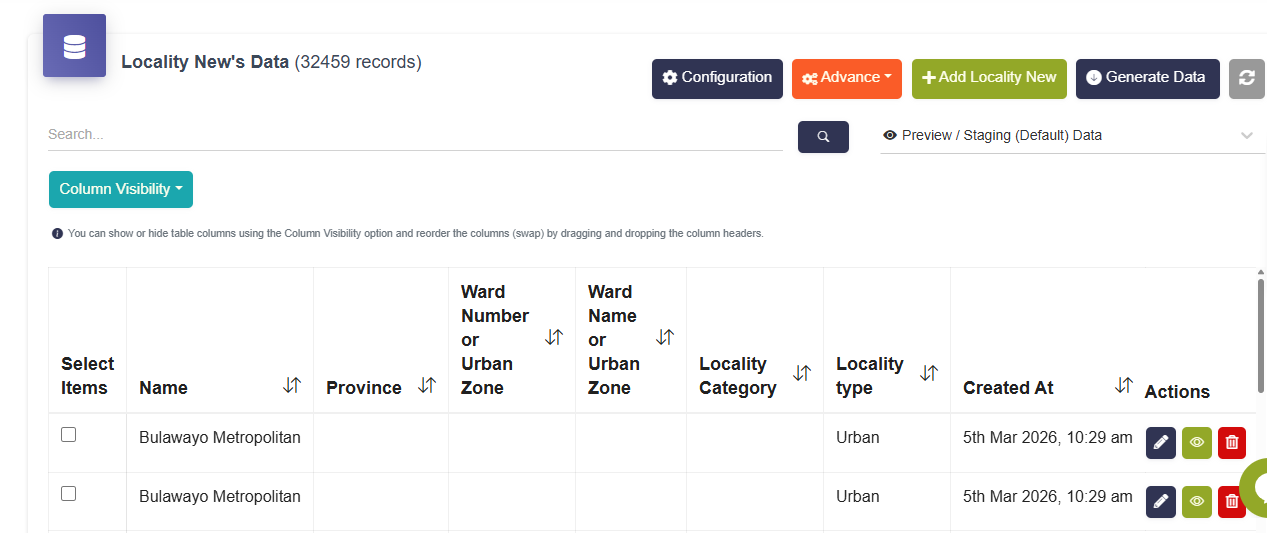
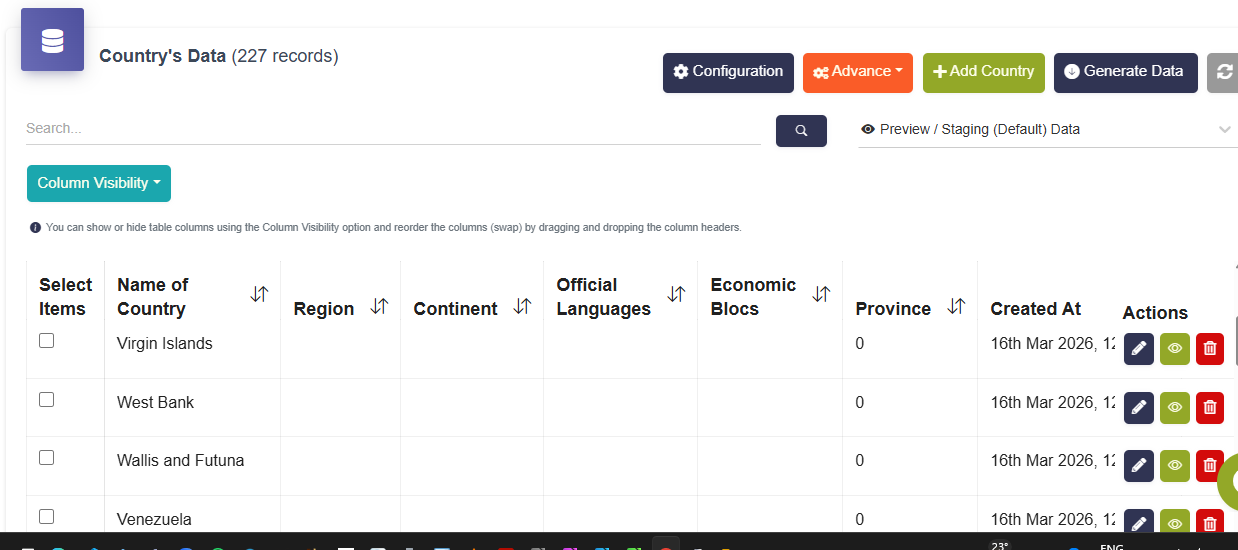
and the final collection looks like this
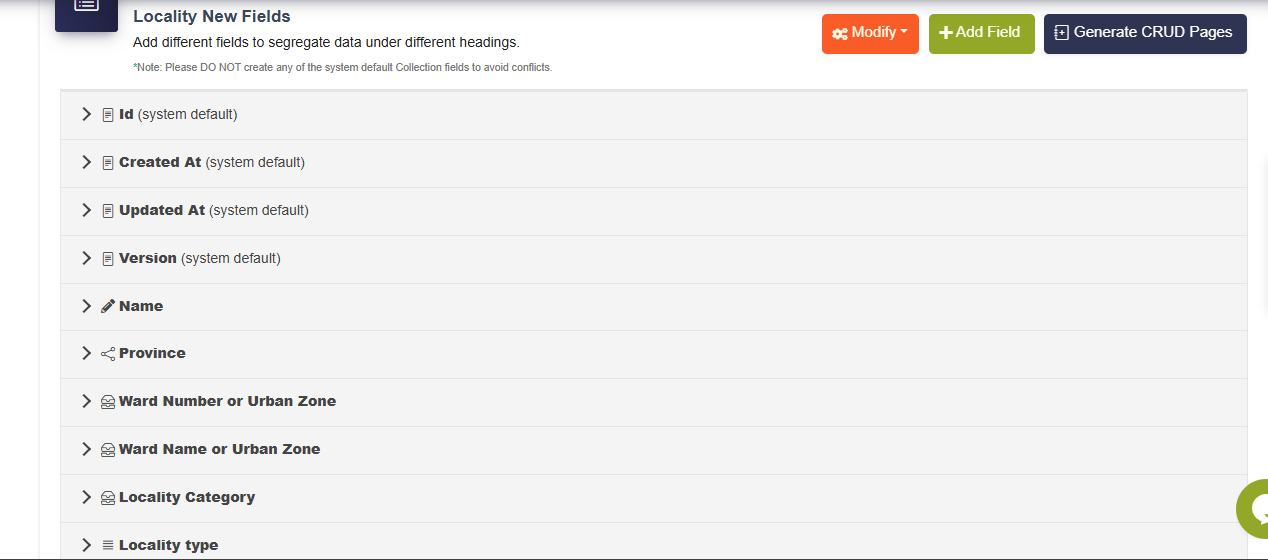
and the Collection configuration is like this
If I have to change the collection fields to text, which i thought could solve the problem, then when it comes to the fields defining the parent/child relationship they will no longer be valid as i would like to implement the cascading dropdown option using these collections. I have thousands of lines of data (some beyond 32000 lines) to be able to manually select all the reference options updating each record… What options do i have.
Thank you
Hie @vishsahu . I have also tried importing using JSON and the same reference fields are not populating but the text fields are populating
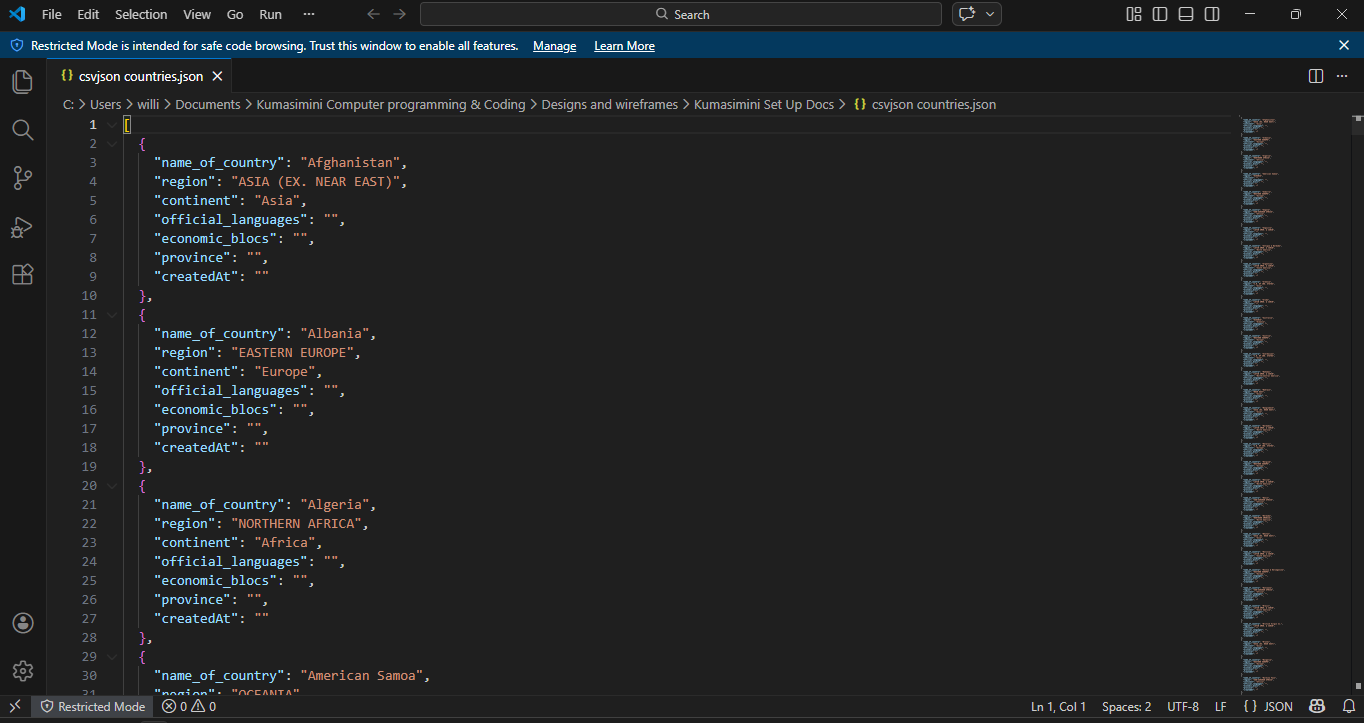
and the JSON file
Hi @WillieMak,
Sorry for the late reply.
If you are still seeing the issue, then can you please send us the JSON file in email?
Thanks.
Greetings @vishsahu
Thank you for the response. Yes I did find a way round it using UUID because the builder couldn’t match the data on basis of text alone. Took me days to map uuid to each line in all related collection. Will explain what I did. It needs a bit of time.
However I am still facing the challenge that even then, some data from the same CSV is not connecting directly to the parent or child dropdown. Am currently trying something else to see if it will work. Will be in touch
Thanks
Greetings @vishsahu
Let me quickly try and explain what I did to go round the matching of data in CSV Columns to Ref Fields in Collections. I realised that the builder/ system works with UUID to connect to other collections when using references and parent child relationships. So for a Child collection to pick its parent record in the parent collection field, it has to have the UUID of that particular record.
How to get the UUID? When you export records in a collection, they include UUID per line of record.
The next step is to download an Import Template CSV of the child record. Populate all the columns as normal. However in the reference column pointing to the parent, instead of writing the text label, copy and paste the UUID. e.g if the Parent Collection holds records of countries, when exported, each country will have a UUID and the name of the country. If the child collection holds records of Cities in each country. when the import template is downloaded, it will have a column for the country which is a reference field. So when populating the cities CSV template; under the related country for each city, you paste the UUID of that country instead of text. Then upload that record. What you will see is the name of the country displayed.
so if you have to do, say suburbs per city, then you export the Cities collection to get their UUIDs, and repeat the process.
there after you can not export and reimport the Parent collection because the UUIDs will change and break everything and its not a good experience if you have just gone through thousands of records. Ask me. kkkkkk
Hope it is clear