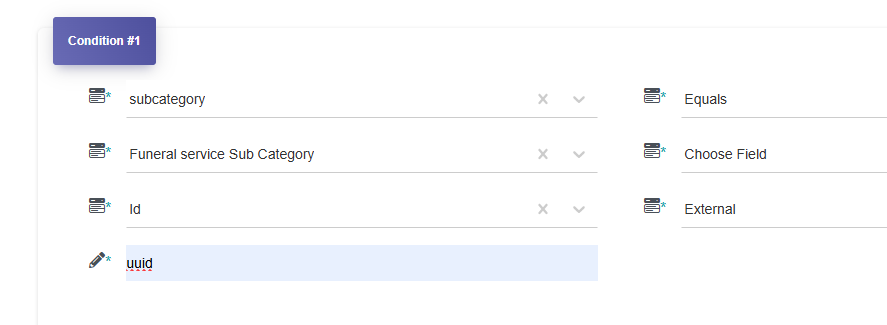
Hie @vishsahu. I have a form implementing dependent dropdowns. My question is, do collection fields involved in the dependent dropdown have to be arrange sequentially, one after the other with no other collection field in between. Meaning, can I have a collection field way down the form and still have the connection? I am trying to have a certain UX where certain information may need to be provided before the next dropdown. See form here Listing New
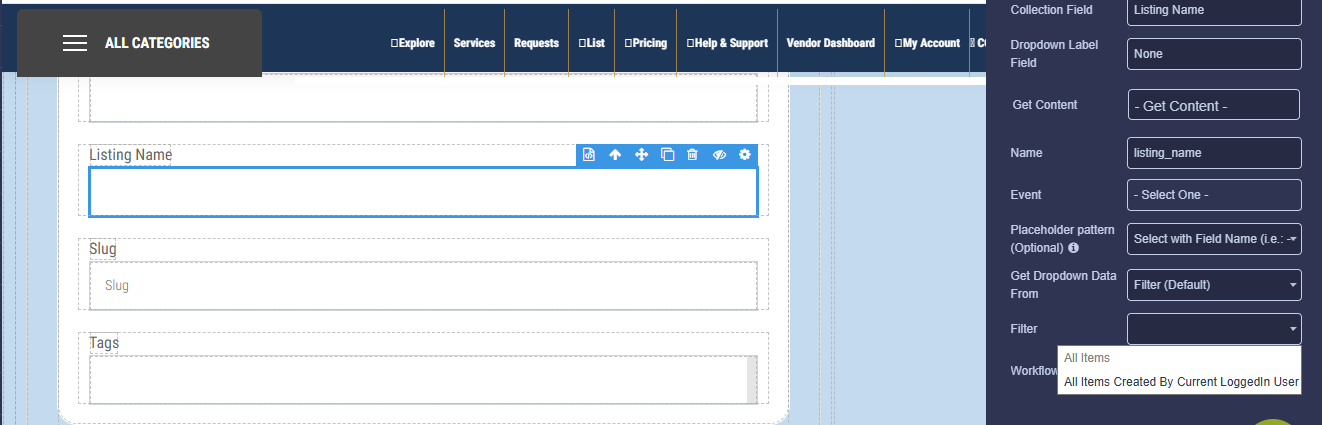
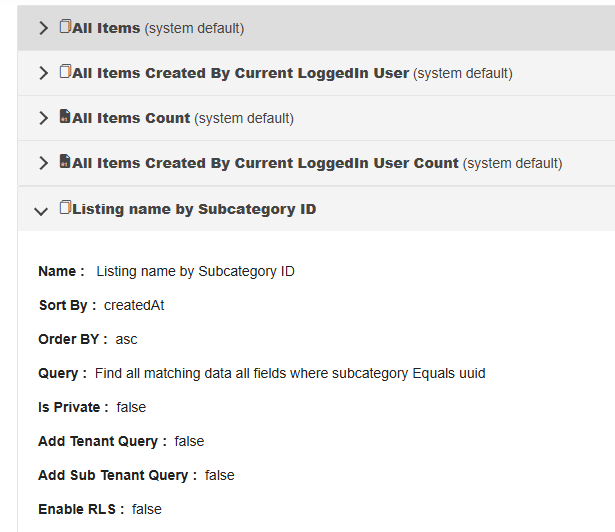
And another thing. after setting a filter for a collection, it continues not to be available when trying to bind it to the specific input on the form… the collection is DrapCode | Build Awesome Web Applications
and the input name on the form is “Listing Name”. The filter is not private
Another issue is that an input is rendering as if its a multi-select dropdown yet the multiselect is not selected in the collection
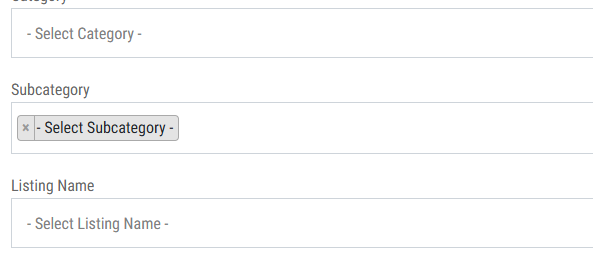
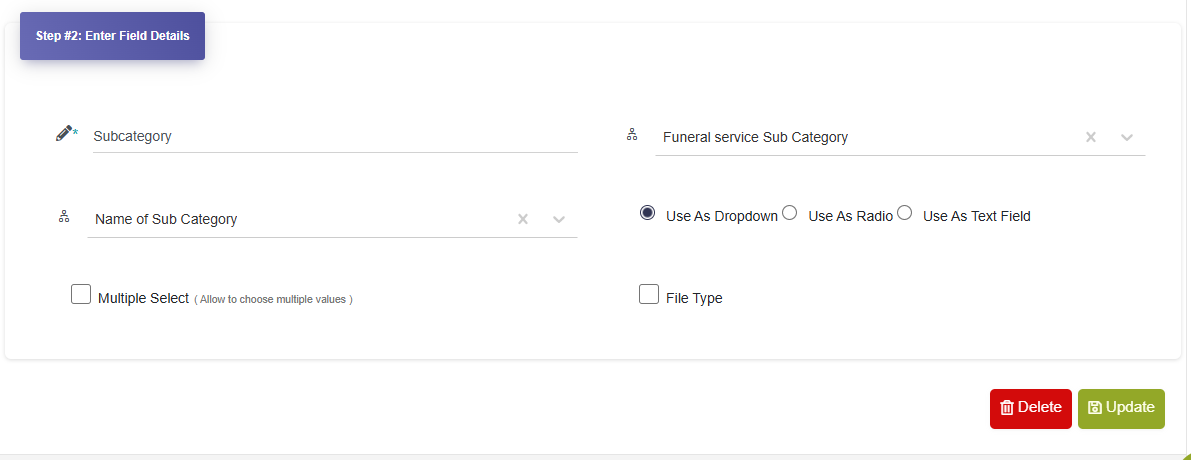
Re inserted the collection field several times and even restarted the computer twice (to address both the filter issue and this one) to no avail…
Thanks